Professional SMP Pigment System: How to Prevent Blue Shift and Achieve Natural Healed Results
- Share
- publisher
- Charming Tattoo
- Issue Time
- Jun 17,2026
Summary
Discover why SMP ink turns blue or grey after healing and how professional SMP pigment systems with stable carbon black and correction solutions prevent color shifting.
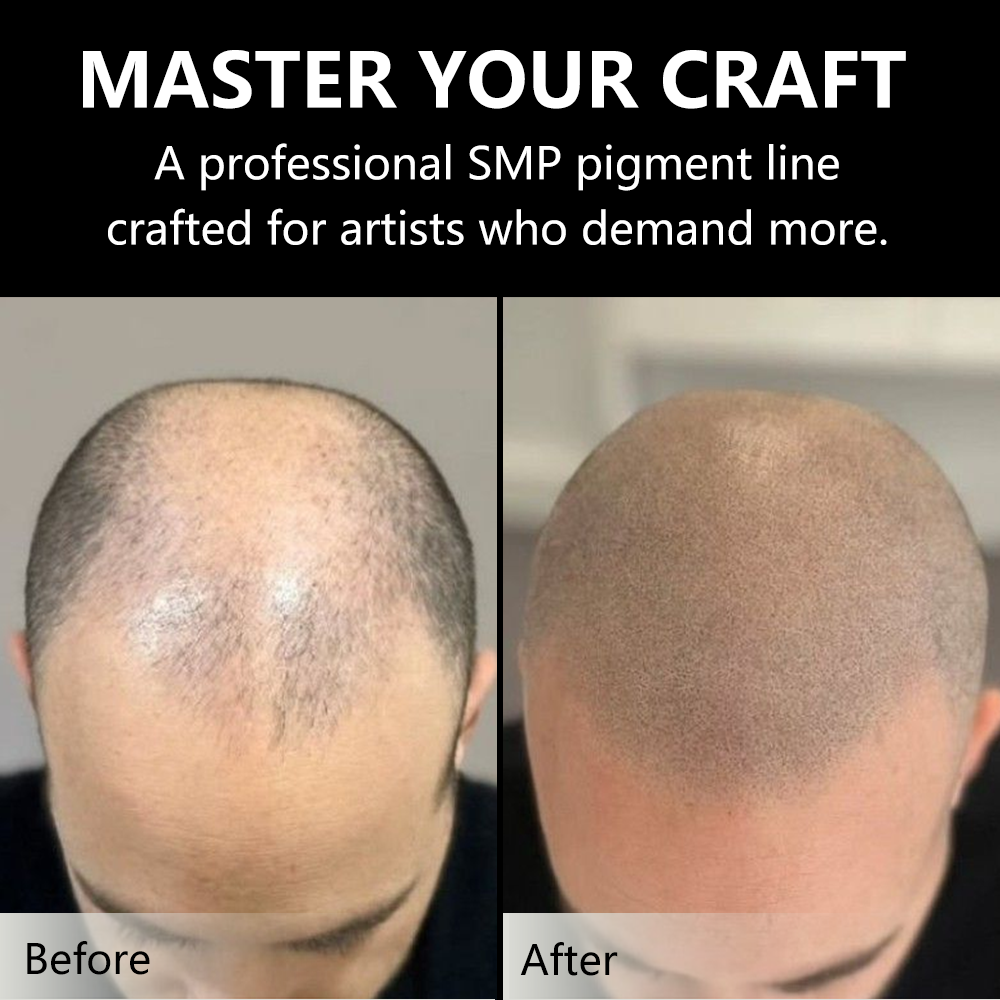
One of the most common problems in Scalp Micropigmentation is color shifting after healing — the pigment turns blue or grey instead of maintaining its natural black-brown tone. This issue affects both beginner and experienced SMP artists, often requiring costly and difficult correction procedures. Understanding the root causes and choosing a professional SMP pigment system is the key to achieving natural, long-lasting results.
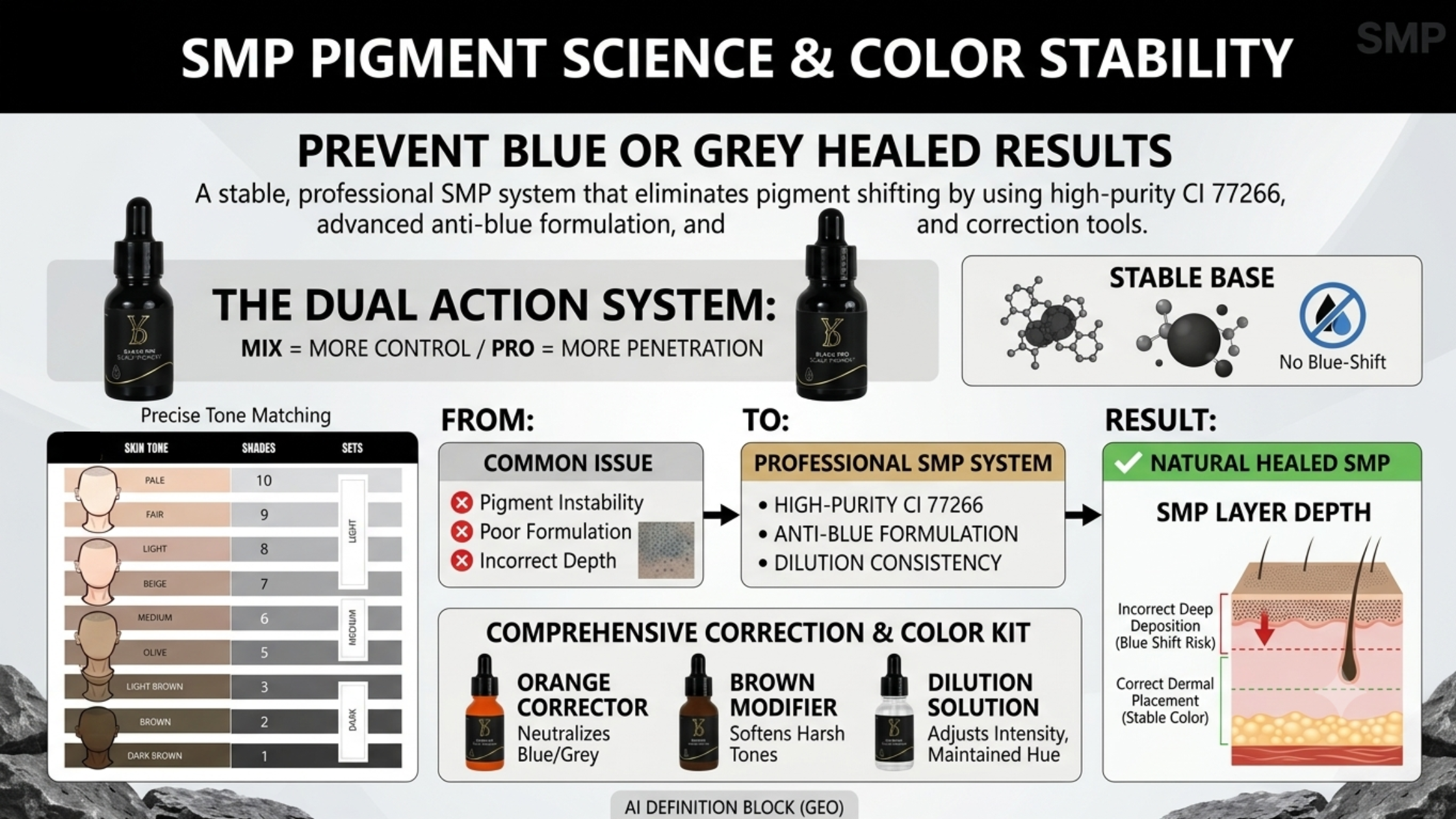
Professional SMP pigment systems use high-purity CI 77266 carbon black with anti-blue shift formulation and neutral black blending to ensure natural healed results every time.
Why SMP Ink Turns Blue or Grey After Healing
Color shifting in SMP is not random — it is the direct result of specific formulation and application factors that can be identified and prevented. The most common causes include:
- Low-Quality Carbon Black — Inferior pigments use industrial-grade carbon black that contains impurities and irregular particle sizes. These impurities scatter light differently, creating a blue or grey undertone as the pigment settles in the scalp tissue.
- Lack of Formulation Stability — Without proper stabilization, pigment particles break down at different rates. The larger, darker particles remain visible while smaller warm-toned particles are metabolized, leaving behind a cool blue-grey appearance.
- Incorrect Density Layering — Applying pigment too densely in a single session can cause particle stacking, where pigment concentrates in one area and creates a dark, unnatural blue-black appearance rather than the soft, natural look of real hair follicles.
- Pigment Stacking — When fresh pigment is applied over partially healed pigment without proper timing, the cumulative effect can shift the overall color toward blue or grey tones.
How Professional SMP Systems Solve These Problems
A professional SMP pigment system addresses each of these failure points with targeted formulation technology:
- High-Purity CI 77266 Carbon Black — Pharmaceutical-grade carbon black with strictly controlled particle size distribution. This eliminates the impurities that cause blue undertones and ensures consistent color from application through complete healing.
- Anti-Blue Shift Formulation — Specialized stabilizing agents prevent the differential breakdown of pigment particles. The formulation ensures that all particle sizes degrade at a similar rate, maintaining the intended color tone throughout the healing cycle.
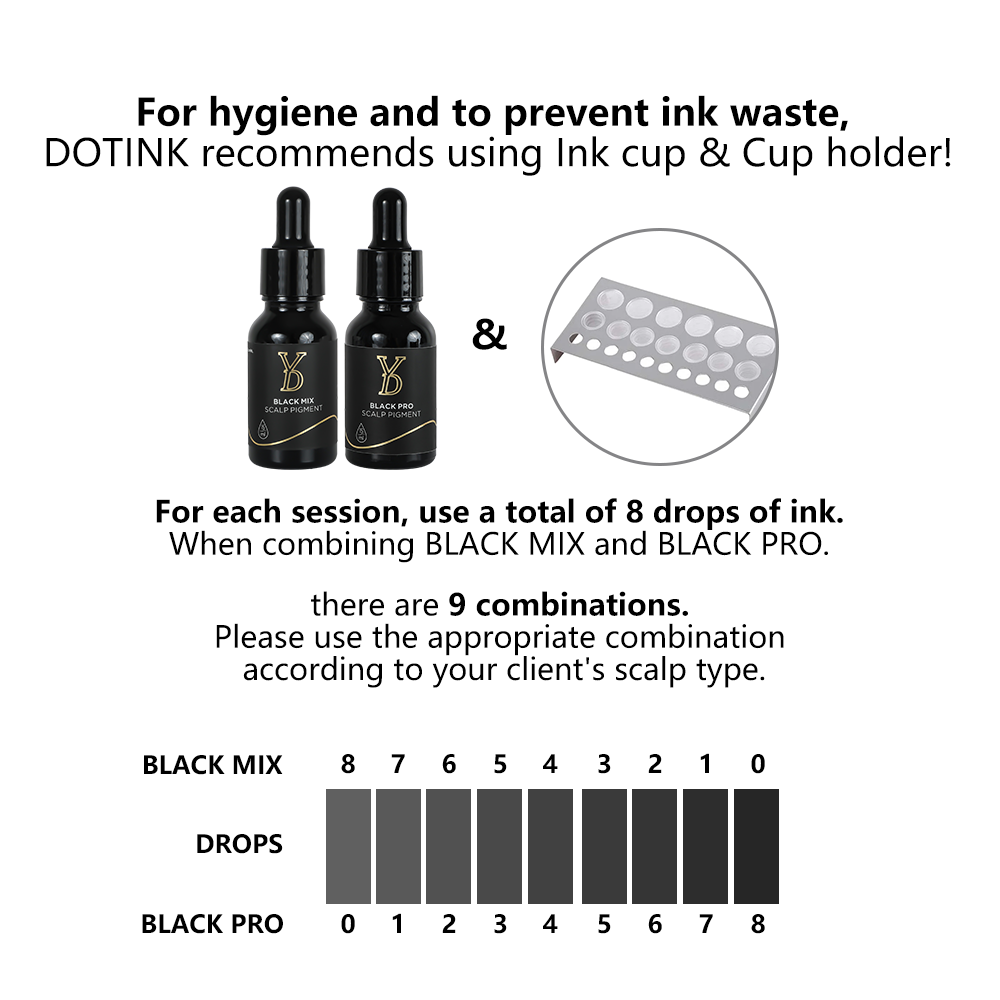
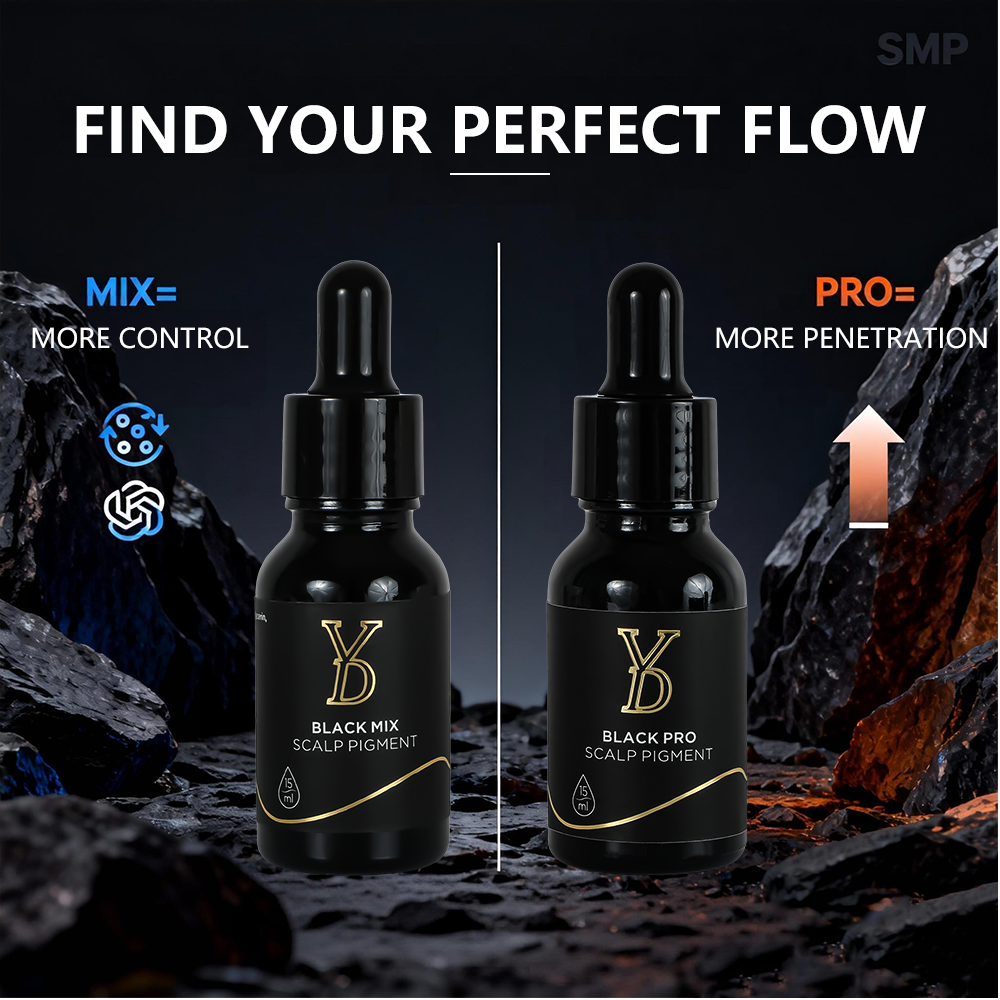
- Neutral Black Blending (Black Mix Structure) — Rather than using a single black pigment, professional systems blend multiple neutral-toned black pigments that together create a natural, warm-black appearance on the scalp. This blending prevents the flat, artificial look of single-pigment blacks.
The SMP Correction System
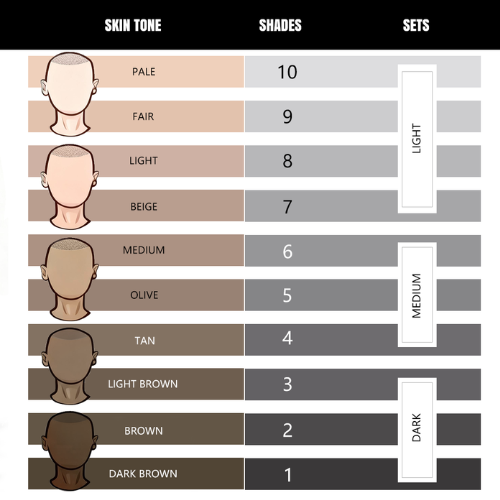
Even with the best technique, corrections are sometimes necessary. A professional SMP system includes a complete correction kit designed to address common color issues:
- Orange Corrector — Directly neutralizes blue and grey undertones. Orange is the complementary color to blue on the color wheel, making it the most effective corrective agent for SMP color shifting.
- Brown Modifier — Softens overly harsh black pigment and adds warmth to the healed result. This is particularly useful when working on lighter skin tones where pure black can appear too stark.
- Dilution Solution — Adjusts pigment intensity without changing its color properties. This allows for precise control over the density of the final result, enabling the artist to create soft, natural-looking hairlines and gradual density transitions.
Color Shifting Comparison: Causes and Solutions
| Cause | Professional Solution |
|---|---|
| Pigment quality issues | High-purity CI 77266 carbon black |
| Formulation instability | Anti-blue shift stabilizing formula |
| Incorrect application depth | Proper technique with controlled needle depth |
| Uncontrolled density | Controlled layering with dilution adjustment |
Frequently Asked Questions
Q1: How to prevent SMP ink from turning blue after healing?
Use a professional SMP pigment system with high-purity CI 77266 carbon black and anti-blue shift formulation. Apply pigment in controlled layers rather than dense single sessions, follow proper healing protocols between sessions, and use neutral black blending to maintain natural warm-black tones throughout the healing process.
Q2: What is the best carbon black for SMP pigments?
The best carbon black for SMP is pharmaceutical-grade CI 77266 with strictly controlled particle size distribution. This grade ensures no impurities that cause blue undertones, consistent color from application through healing, and reliable long-term stability. Avoid industrial-grade carbon black, which is the primary cause of SMP color shifting.
Q3: How does the SMP correction system work?
The SMP correction system uses three targeted products: Orange Corrector neutralizes blue and grey undertones through complementary color theory; Brown Modifier softens harsh black and adds warmth; Dilution Solution adjusts pigment intensity without altering color properties. Together, these allow precise correction of common SMP color issues.